
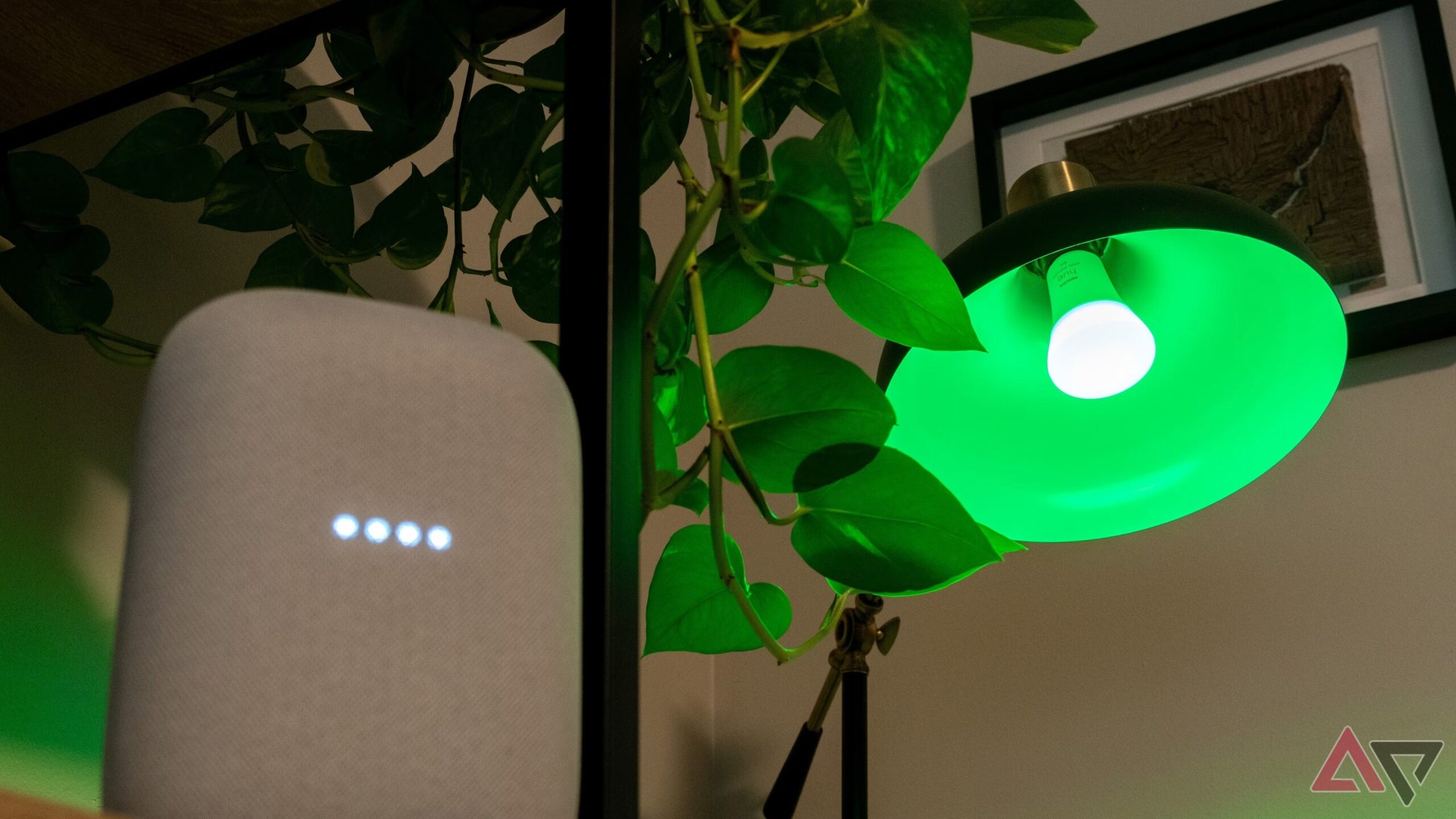
✨ Unlock the Magic of Your Home: Google Home & Smart Lights – The Unbelievable Duo You NEED! ✨
Ever dreamt of a home that anticipates your needs, responds to your voice, and paints your rooms with the perfect ambiance at your command? Imagine walking into a dark house after a long day and with a simple "Hey Google, I’m home," your living room is bathed in a warm, inviting glow. Or picture yourself settling in for a movie night, and with another voice command, the lights dim to the ideal cinematic setting. This isn’t science fiction; it’s the seamless reality powered by the incredible synergy of Google Home and smart lights.
In today’s rapidly evolving technological landscape, our homes are becoming smarter, more intuitive, and infinitely more convenient. At the forefront of this revolution are voice assistants and intelligent lighting systems. When you bring Google Home – the central nervous system of your smart home – together with the versatility of smart lights, you’re not just upgrading your home; you’re unlocking a new dimension of comfort, efficiency, and pure, unadulterated magic.
But what exactly is Google Home, and how does it dance so beautifully with smart lights? Let’s dive deep into this captivating partnership and discover why this duo is the ultimate upgrade you never knew you desperately needed.
Google Home: Your Voice-Activated Maestro
Before we orchestrate the symphony of light, let’s understand the conductor. Google Home, now largely integrated into the Google Nest family (think Google Nest Mini, Google Nest Hub), is a line of smart speakers and displays powered by Google Assistant. Its primary function is to listen for your voice commands and execute them. From playing your favorite music and answering burning questions to managing your schedule and controlling other smart devices, Google Assistant is your ever-ready, always-listening digital assistant.
The true power of Google Home lies in its ability to integrate with a vast ecosystem of compatible smart devices. This is where the magic with smart lights truly begins. By acting as a central hub, Google Home allows you to control multiple smart lights, often from different brands, all through a single interface – your voice.
The Brilliant World of Smart Lights
Smart lights are more than just bulbs that you can turn on and off with your phone. They are intelligent, connected devices that offer a spectrum of control and customization far beyond traditional lighting. These bulbs and fixtures connect to your home’s Wi-Fi network, allowing them to be controlled remotely and, crucially, by your Google Home device.
What makes them "smart"?
- Voice Control: The most exciting feature, allowing you to command your lights with simple phrases.
- App Control: Manage your lights from your smartphone or tablet, whether you’re at home or away.
- Scheduling: Set your lights to turn on or off at specific times, mimicking occupancy for security or waking you up gently.
- Dimming: Adjust the brightness to create the perfect mood for any occasion.
- Color Changing: Many smart bulbs offer millions of color options, transforming your space with vibrant hues or subtle shades.
- Scenes & Routines: Create pre-set lighting configurations for activities like "movie night," "reading," or "party," activated with a single command.
- Energy Efficiency: Smart lights can help you save on your electricity bills by ensuring lights are only on when needed and can be dimmed to use less power.
The Unbeatable Synergy: Google Home + Smart Lights
Now, let’s talk about the showstopper: how Google Home and smart lights work together to create an experience that is both functional and enchanting.
1. Effortless Voice Control: The Ultimate Convenience
This is the core of the magic. Imagine this:
- "Hey Google, turn on the living room lights." – Instant illumination as you enter the room.
- "Hey Google, dim the bedroom lights to 30%." – Creating a calming atmosphere for bedtime.
- "Hey Google, set the kitchen lights to blue." – A playful touch for a dinner party.
- "Hey Google, turn off all the lights." – A single command to secure your home as you leave or go to sleep.
The natural language processing of Google Assistant means you don’t need to memorize complex commands. It understands conversational requests, making controlling your lights as easy as talking to a friend.
2. Setting the Mood: Your Personal Ambiance Architect
Smart lights offer incredible customization, and Google Home makes accessing these features a breeze.
- Movie Nights Made Easy: Create a "Movie Time" routine in your Google Home app. When you say, "Hey Google, start movie time," your smart lights can dim to a specific percentage, perhaps change to a warm, cinematic color, and even turn off other distracting lights.
- Wake Up Gently: Instead of a jarring alarm, set a routine that gradually brightens your bedroom lights over a few minutes, mimicking a sunrise. "Hey Google, good morning" can also trigger this, along with your news briefing and weather report.
- Party Ready: With a quick command like "Hey Google, party mode," your lights can flash vibrant colors, pulse to music (if your lights support this), or set a dynamic, energetic scene.
- Focused Workspaces: Need to concentrate? "Hey Google, focus lighting" could set your desk lamp to a bright, cool white to enhance alertness.
3. Smart Routines: Automating Your Life
Google Home’s routines are where the true automation power shines. You can link multiple actions together under a single trigger, and lighting is a key component.
- "Hey Google, I’m home" Routine: When you arrive, this command could turn on your entryway and living room lights to a welcoming brightness, play your favorite playlist, and adjust the thermostat.
- "Hey Google, goodnight" Routine: This can turn off all lights, lock your smart locks, and set your alarm – a comprehensive end-of-day command.
- Geofencing: While not directly a Google Home command, you can set up routines that trigger based on your location. For example, as you approach home, your lights could automatically turn on.
4. Energy Savings and Security
Beyond the convenience and ambiance, Google Home and smart lights offer practical benefits.
- Preventing Waste: Simply saying "Hey Google, turn off all lights" ensures you’re not leaving lights on unnecessarily, reducing your energy consumption and bill.
- Simulating Occupancy: Schedule your lights to turn on and off at random intervals when you’re away on vacation. This creates the illusion that someone is home, deterring potential intruders.
- Remote Access: Forgot to turn off a light? You can do it from anywhere using the Google Home app on your smartphone, offering peace of mind.
5. Seamless Integration with Popular Smart Light Brands
The beauty of Google Home is its compatibility. You don’t need to be locked into one brand of smart lights. Popular and reliable brands that work seamlessly with Google Home include:
- Philips Hue: One of the pioneers in smart lighting, offering a vast range of bulbs, strips, and fixtures with exceptional color and white light quality.
- LIFX: Known for their vibrant colors and impressive brightness, LIFX bulbs are a popular choice for those who want impactful lighting.
- TP-Link Kasa: Offers a more budget-friendly yet robust range of smart bulbs, plugs, and switches that integrate well with Google Home.
- Wyze: Another cost-effective option that provides reliable smart lighting solutions.
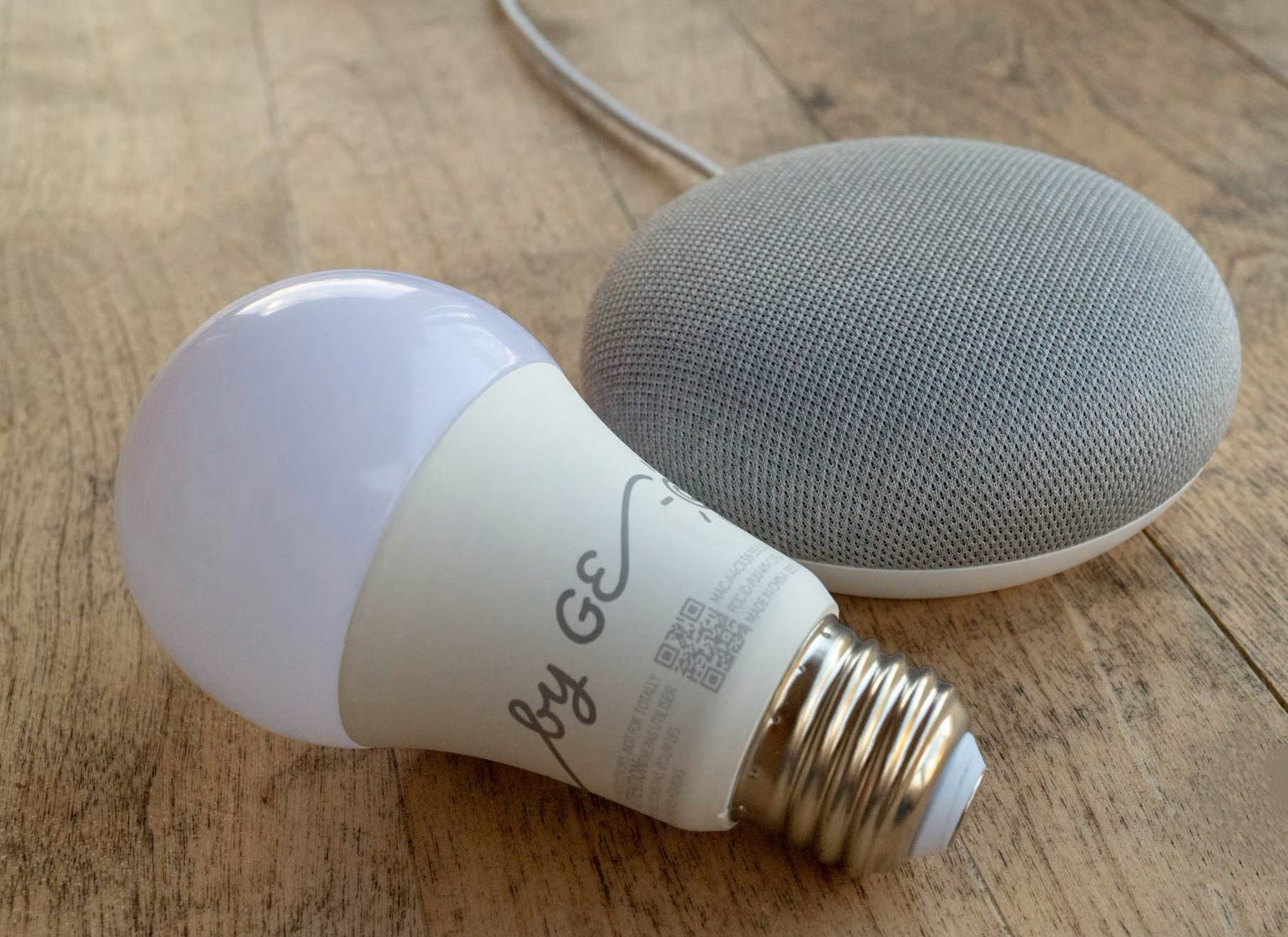
- C by GE (now Cync): Offers a solid range of smart bulbs and accessories that are easy to set up and use with Google Assistant.
Setting them up is usually as simple as screwing in a bulb, downloading the brand’s app, connecting it to your Wi-Fi, and then linking that app to your Google Home account through the Google Home app.
Getting Started: Your Journey to a Smarter Home
Embarking on this smart lighting adventure with Google Home is surprisingly straightforward.
What You’ll Need:
- A Google Home or Google Nest Device: A Google Nest Mini, Google Nest Audio, Google Nest Hub, or any other Google Assistant-enabled device.
- Wi-Fi Network: A stable internet connection is crucial for all smart devices.
- Smart Light Bulbs or Fixtures: Choose your preferred brand and type (e.g., standard bulbs, light strips, smart plugs for traditional lamps).
- Smartphone or Tablet: To download and use the Google Home app and the specific smart light brand’s app.
The Setup Process (Simplified):
- Install Your Smart Lights: Screw in your smart bulbs or connect your smart fixtures as per the manufacturer’s instructions.
- Set Up the Smart Lights with Their App: Download the specific app for your smart light brand (e.g., Philips Hue app, LIFX app) and follow the on-screen instructions to connect the lights to your Wi-Fi network.
- Download and Open the Google Home App: If you don’t have it already, download it from your device’s app store.
- Add Your Smart Lights to Google Home:
- Open the Google Home app.
- Tap the "+" icon (Add) in the top left corner.
- Select "Set up device."
- Choose "Works with Google."
- Search for the brand of your smart lights (e.g., Philips Hue, LIFX).
- Follow the prompts to link your smart light account to your Google account.
- Assign Lights to Rooms: In the Google Home app, you can assign your lights to specific rooms (e.g., "Living Room Lights," "Bedroom Lamp"). This allows for more intuitive voice commands like "Hey Google, turn off the bedroom lights."
- Start Commanding! You’re now ready to experience the magic. Try out different commands, explore color options, and begin setting up your personalized routines.
The Future is Bright: Beyond Basic Lighting
The evolution of smart lighting and Google Home integration is ongoing. We’re seeing advancements in:
- Adaptive Lighting: Lights that automatically adjust color temperature and brightness throughout the day to match natural circadian rhythms, improving sleep and productivity.
- More Sophisticated Routines: Tighter integration with other smart home devices like thermostats, security cameras, and smart locks for even more comprehensive home automation.
- Enhanced AI: Google Assistant is constantly learning and improving, meaning your interactions with your smart lights will become even more natural and predictive.
Don’t Get Left in the Dark!
The combination of Google Home and smart lights isn’t just a trend; it’s a fundamental shift in how we interact with our living spaces. It offers an unparalleled blend of convenience, comfort, security, and personalization. From the moment you wake up until you drift off to sleep, your home can be a responsive, intelligent environment tailored precisely to your needs and desires.
So, if you’ve been contemplating a smart home upgrade, or simply looking for a way to inject a little more magic and ease into your daily life, look no further. The partnership of Google Home and smart lights is the ultimate duo you absolutely NEED to unlock the full potential of your home. It’s time to step into the future, where your voice commands a world of light and convenience. ✨


Leave a Comment
You must be logged in to post a comment.