
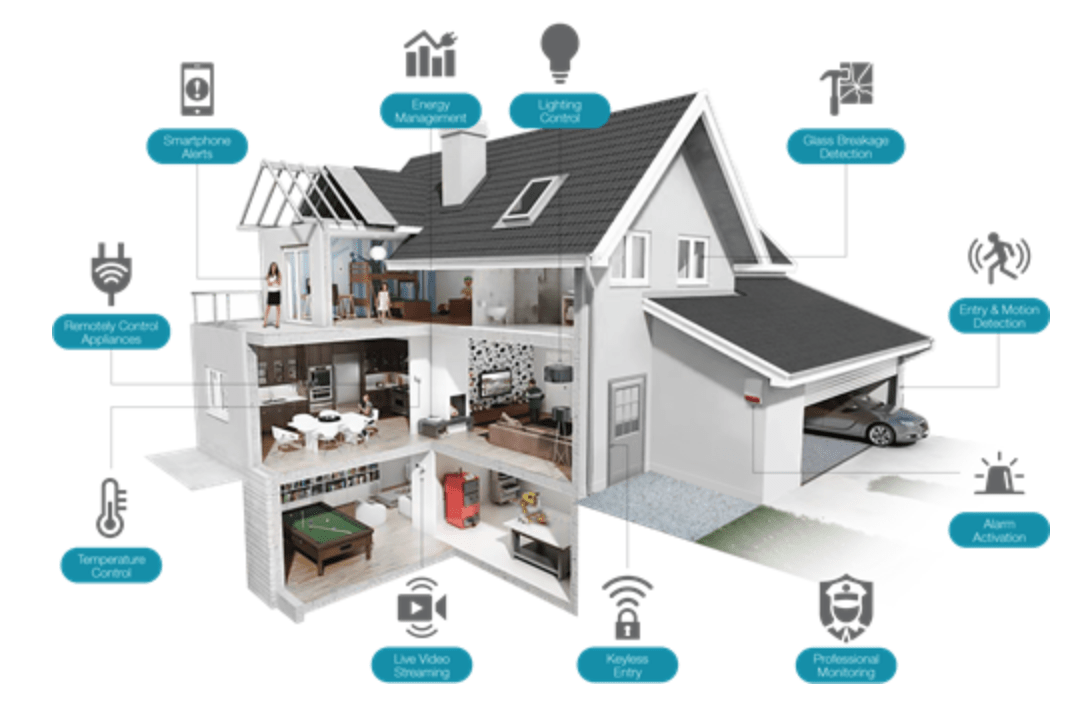
Ever scrolled through social media, marveling at those futuristic homes where lights dim with a spoken command and coffee brews before you even stir? You might think achieving that level of smart home magic is reserved for tech gurus with bottomless budgets. But what if I told you that transforming your ordinary dwelling into a smart sanctuary is shockingly simpler and more affordable than you ever imagined? Forget complicated wiring diagrams and astronomical price tags. This guide is your no-nonsense, step-by-step roadmap to unlocking your home’s hidden potential, making your life demonstrably easier, more secure, and downright enjoyable. Prepare to be amazed at how quickly and effortlessly you can achieve a truly intelligent living space!
The term "smart home" might conjure images of robots and sentient appliances, but in reality, it’s about leveraging technology to automate tasks, enhance convenience, and improve your overall living experience. Think of it as giving your home a brain, capable of learning your routines, responding to your needs, and even anticipating them. And the beauty of it all is that you don’t need to overhaul your entire house overnight. You can start small, with a single smart device, and gradually expand your ecosystem as your comfort and budget allow.
So, where do you begin on this exciting journey to a smarter home? Let’s break it down into manageable, actionable steps.
Step 1: Define Your "Why" – What Problems Do You Want to Solve?
Before diving headfirst into purchasing gadgets, take a moment to reflect on your daily life. What are your pain points? What tasks do you wish were easier? What aspects of your home do you want to improve?
- Convenience: Are you tired of fumbling for light switches in the dark? Do you want to be able to control your thermostat from your couch or even while you’re away?
- Security: Do you worry about package theft, or want to keep an eye on your home when you’re on vacation?
- Energy Efficiency: Are you looking to reduce your electricity bills and contribute to a more sustainable lifestyle?
- Comfort & Ambiance: Do you want to create the perfect mood for movie nights or dinner parties with customizable lighting and temperature settings?
- Entertainment: Do you dream of a seamless audio-visual experience controlled with your voice?
Identifying your primary motivations will help you prioritize which smart home devices will offer the most immediate and significant impact on your life.
Step 2: The Foundation – Choosing Your Smart Home Hub or Ecosystem
The heart of any smart home is its control center. This is where your various smart devices communicate and are managed. You have a few primary options:
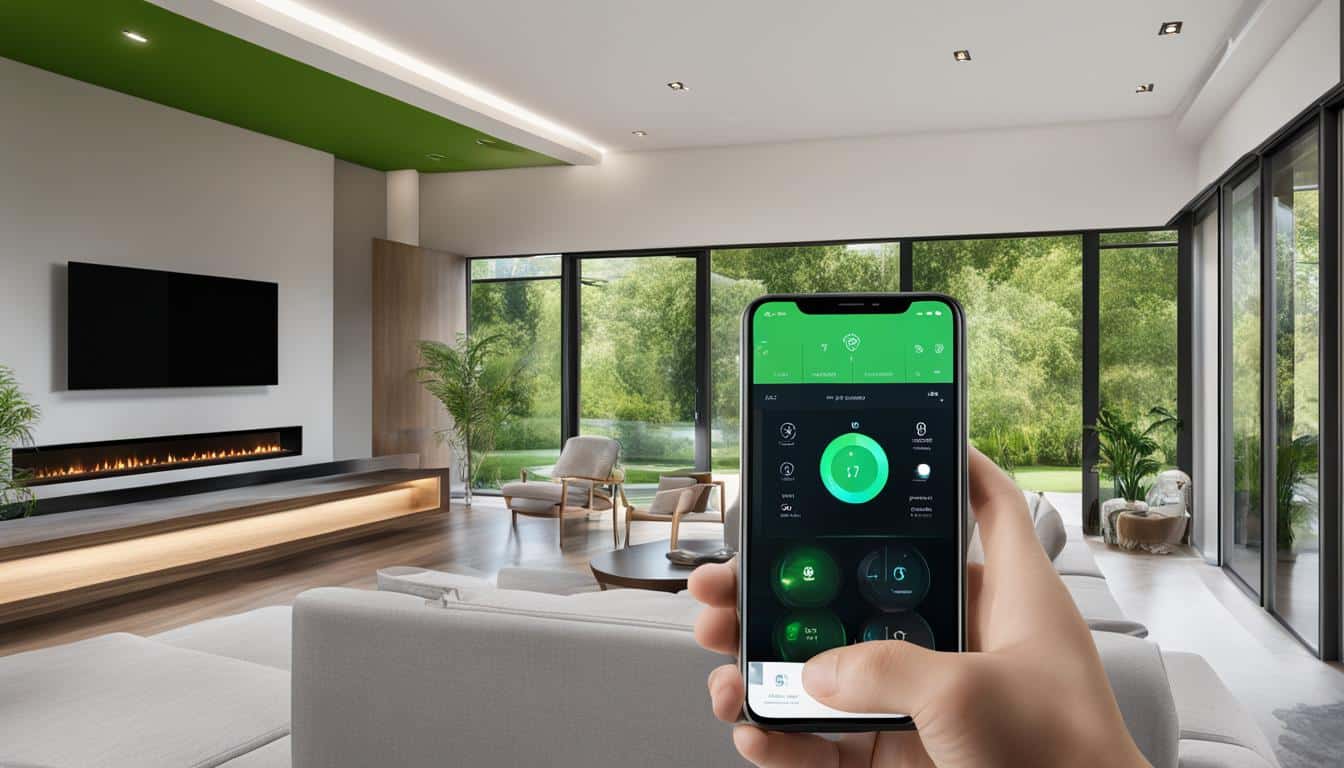
Voice Assistants (Amazon Alexa, Google Assistant, Apple HomeKit): These are the most popular and accessible entry points. Devices like Amazon Echo, Google Nest, and Apple HomePod act as hubs, allowing you to control other smart devices with simple voice commands. They also offer a wealth of other functionalities, from playing music to setting timers.
- Pros: Extremely user-friendly, wide range of compatible devices, affordable entry point.
- Cons: Reliance on internet connection, potential privacy concerns for some users.
-
Dedicated Smart Home Hubs (Samsung SmartThings, Hubitat Elevation): These offer more advanced control and automation capabilities. They can often connect to a wider variety of devices and protocols (like Zigbee and Z-Wave) that voice assistants might not directly support.
- Pros: Greater customization, robust automation options, can work offline for some functions.
- Cons: Can have a steeper learning curve, may require purchasing additional hardware.
-
App-Based Control (No Central Hub): Some devices can be controlled directly through their own smartphone apps without a dedicated hub. This is a good option for starting with just one or two devices.
- Pros: Simplest setup for individual devices.
- Cons: Lacks the centralized control and advanced automation of a hub.
Clickbait Tip: "Your Voice is the Master Key! Discover the Effortless Way to Command Your Entire Home."
For most beginners, starting with a voice assistant is the easiest and most effective route. You can choose the ecosystem that best suits your existing devices (e.g., if you have an iPhone, HomeKit might be a natural fit) or simply pick the one with the features and pricing that appeal to you most.
Step 3: Start Small, Think Big – Essential Smart Devices to Kickstart Your Journey
Don’t feel overwhelmed by the sheer number of smart devices available. Begin with a few key players that will make an immediate difference.
1. Smart Lighting: The Gateway to Ambiance and Control
- What it is: Smart bulbs, light strips, and smart switches that can be controlled remotely via an app or voice assistant.
- Why it’s essential:
- Convenience: Turn lights on/off from anywhere, schedule them to turn on at dusk or when you arrive home.
- Ambiance: Adjust brightness and even color to create different moods. Perfect for movie nights or waking up gently.
- Security: Schedule lights to turn on and off randomly when you’re away, making your home appear occupied.
- Energy Saving: Automatically turn off lights in unoccupied rooms.
- Getting Started: A few smart bulbs in your most-used rooms (living room, bedroom) are a fantastic starting point. Brands like Philips Hue, LIFX, and Wyze offer excellent options.
Clickbait Tip: "Banish Darkness and Boredom! The Secret to a Home That Lights Up Your Life (Literally!)."
2. Smart Thermostats: Comfort, Savings, and the Future of Home Climate
- What it is: Programmable thermostats that can be controlled remotely, learn your habits, and even adjust based on occupancy.
- Why it’s essential:
- Energy Savings: Significant reduction in heating and cooling costs by optimizing temperature settings.
- Comfort: Arrive home to a perfectly temperate house.
- Convenience: Adjust the temperature from your phone while on the go.
- Learning Capabilities: Advanced models learn your schedule and preferences, automatically creating efficient heating and cooling routines.
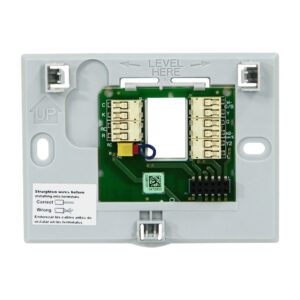
- Getting Started: Brands like Nest, ecobee, and Honeywell offer user-friendly smart thermostats. Many are designed for DIY installation.
Clickbait Tip: "Slash Your Energy Bills by 30%! The Smart Thermostat Secret That Pays for Itself."
3. Smart Plugs: The Instant Upgrade for Your "Dumb" Devices
- What it is: Small adapters that plug into your existing outlets, allowing you to control whatever is plugged into them remotely.
- Why it’s essential:
- Affordability: A very cost-effective way to make almost any appliance "smart."
- Versatility: Control lamps, fans, coffee makers, holiday lights, and more.
- Scheduling: Automate when your appliances turn on and off.
- Energy Monitoring: Some smart plugs can track energy consumption, helping you identify power-hungry devices.
- Getting Started: Get a couple of smart plugs and try them with your bedside lamp or a fan. TP-Link Kasa, Wemo, and Meross are popular choices.
Clickbait Tip: "Turn ANY Appliance into a Smart Device Instantly! The Trick That Will Blow Your Mind."
Step 4: Expanding Your Smart Home Ecosystem – Beyond the Basics
Once you’re comfortable with the foundational devices, you can start exploring other areas to further enhance your smart home experience.
4. Smart Security Cameras & Doorbells: Peace of Mind, Anywhere
- What it is: Indoor and outdoor cameras, and video doorbells that allow you to monitor your home remotely, receive alerts for motion detection, and even communicate with visitors.
- Why it’s essential:
- Deterrence: Visible cameras can deter potential intruders.
- Monitoring: Keep an eye on pets, children, or deliveries.
- Security Alerts: Receive notifications on your phone when motion is detected.
- Two-Way Communication: Speak to visitors at your door, even when you’re not home.
- Getting Started: Consider a smart doorbell for your front door and an indoor camera for a high-traffic area. Ring, Arlo, and Google Nest Cam are leading brands.
Clickbait Tip: "Never Miss a Package or an Intruder Again! The Smart Security Secret Every Homeowner Needs."
5. Smart Locks: Keyless Entry and Enhanced Security
- What it is: Keyless entry systems that can be controlled via smartphone, keypad, or voice command.
- Why it’s essential:
- Convenience: No more fumbling for keys. Grant temporary access to guests or service providers.
- Security: Receive notifications when your door is locked or unlocked.
- Peace of Mind: Lock your doors remotely if you forget.
- Getting Started: Yale, Schlage, and August offer reputable smart lock options.
Clickbait Tip: "Ditch Your Keys Forever! The Revolutionary Smart Lock That Makes Burglary Impossible."
6. Smart Speakers & Displays: The Command Center and Entertainment Hub
- What it is: Devices like Amazon Echo Show and Google Nest Hub that combine voice assistant capabilities with a visual display.
- Why it’s essential:
- Enhanced Control: See information, watch videos, and control smart home devices with a visual interface.
- Entertainment: Stream music, podcasts, and videos.
- Communication: Make video calls and leave messages for family members.
- Information at a Glance: Check weather, news, and recipes.
- Getting Started: If you’re already using a voice assistant, consider upgrading to a smart display for your kitchen or living room.
Clickbait Tip: "Your Kitchen Just Got a Brain Transplant! The Smart Display That Does It All (You Won’t Believe the Recipes!)."
Step 5: Automation and Routines – Unleashing the True Power of Your Smart Home
This is where the magic truly happens. Automation allows your smart devices to work together to perform tasks automatically based on triggers or schedules.
-
"Good Morning" Routine: When you say "Good morning" to your voice assistant, it could:
- Turn on your bedroom lights to a gentle brightness.
- Adjust the thermostat to your preferred daytime temperature.
- Start your smart coffee maker.
- Tell you the weather forecast and your calendar appointments.
-
"Leaving Home" Routine: When you say "I’m leaving" or trigger it via geofencing (your phone detecting you’ve left a certain radius):
- Turn off all lights.
- Set the thermostat to an energy-saving mode.
- Arm your security system.
- Lock the smart locks.
-
"Movie Night" Scene: With a single command:
- Dim the living room lights to a warm hue.
- Turn on your smart TV and soundbar.
- Close your smart blinds.
The possibilities are endless and can be tailored to your specific lifestyle. Experiment with different triggers and actions to create a home that truly works for you.
Clickbait Tip: "Your Home Now Knows What You Want Before You Do! The Secret to Effortless Daily Routines."
Step 6: Connectivity and Compatibility – Ensuring a Seamless Experience
As you build your smart home, pay attention to compatibility. Most devices are designed to work with major ecosystems (Alexa, Google Assistant, HomeKit), but it’s always wise to check the product packaging or description. Look for the "Works with…" logos.
Wi-Fi is Your Lifeline: A stable and robust Wi-Fi network is crucial for a smart home. Ensure your router can handle the increased demand from multiple connected devices. Consider a mesh Wi-Fi system if you have a larger home or experience dead zones.
The Future is Now: Embracing Your Smarter Home
Making your home smart isn’t just about having the latest gadgets; it’s about investing in a more comfortable, secure, and efficient lifestyle. The journey is accessible, enjoyable, and surprisingly affordable. Start with your biggest pain points, choose a foundation that suits your needs, and gradually expand your ecosystem.
Don’t be intimidated by the technology. Think of it as a helpful assistant that’s always there to make your life easier. By following these steps, you’ll be well on your way to unlocking your home’s hidden potential and experiencing the truly remarkable benefits of a smart home. So, take the plunge – your future, smarter self will thank you!



Leave a Comment
You must be logged in to post a comment.